ReklamGidiyor
Premium store membership

Manage your outdoor media from your own store.

With a store membership your listings live at an address of your own, and advert groups, the availability calendar and occupancy reports let you run every medium from a single panel.

Free to apply Fast review Your own store address
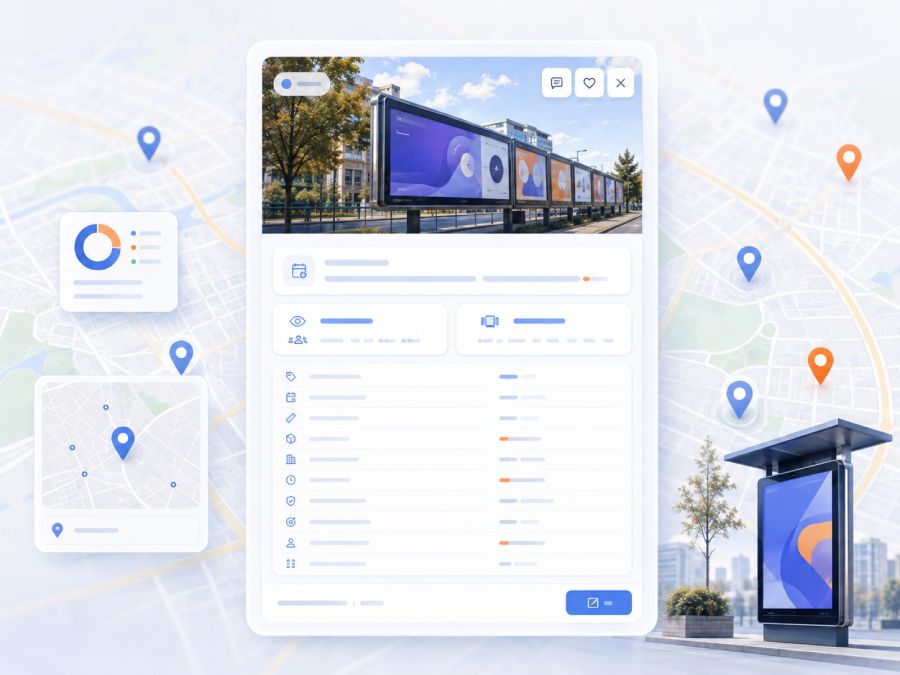
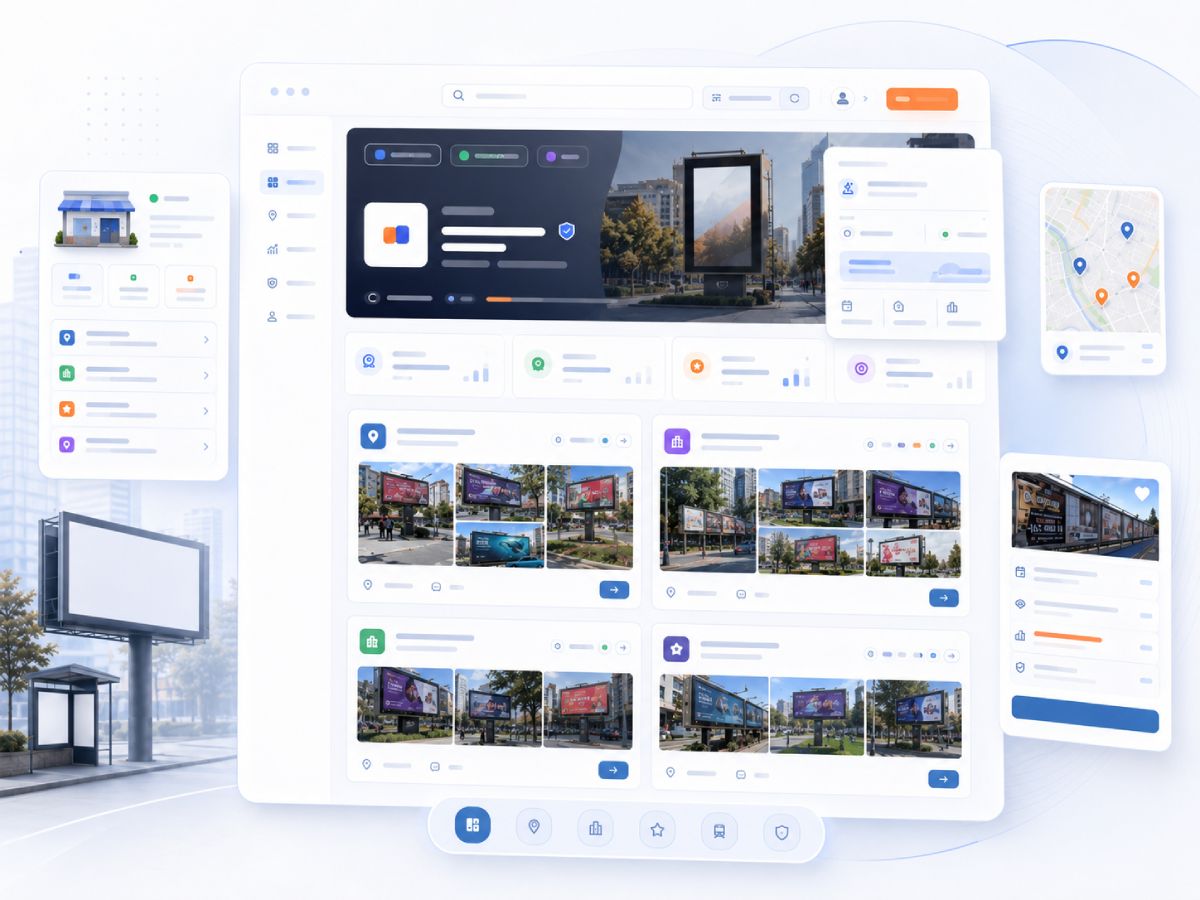
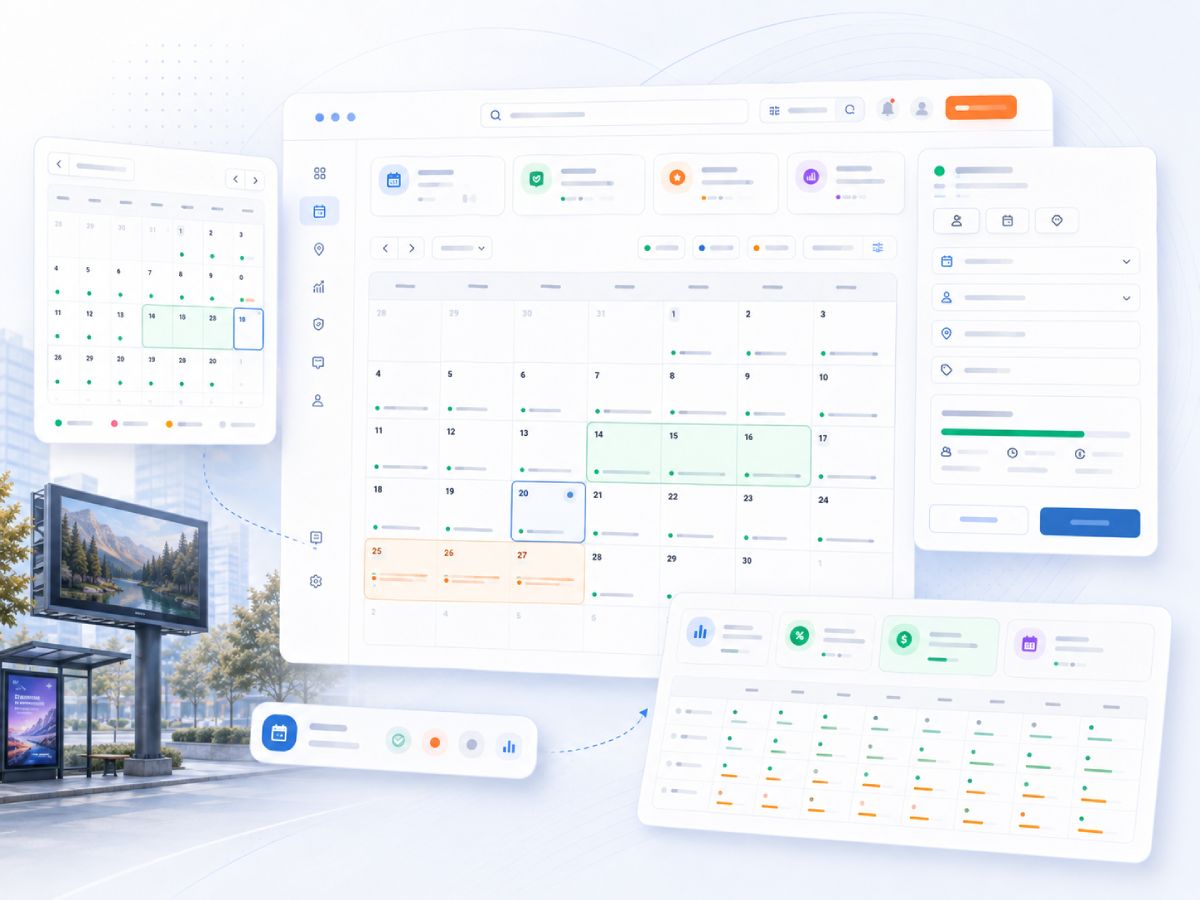
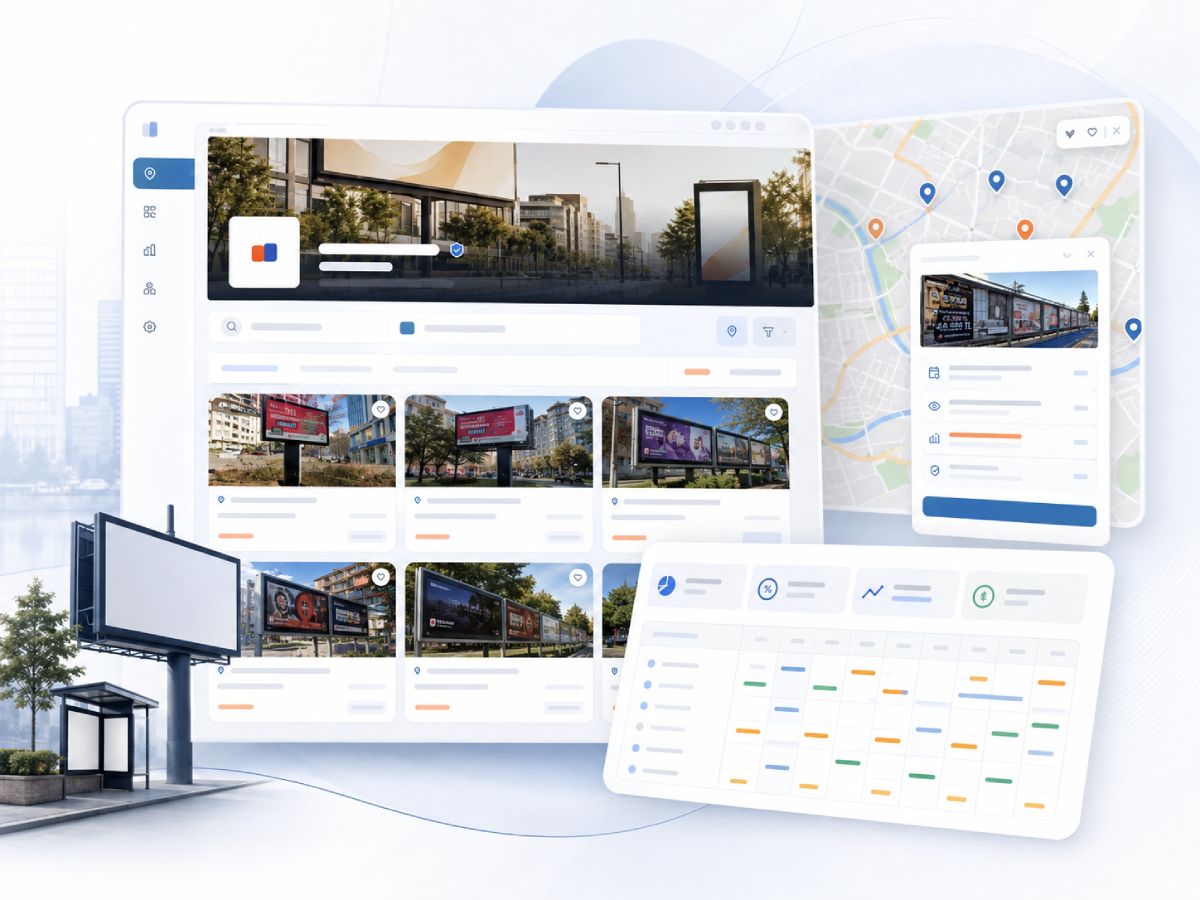
The storefront, map and availability calendar screens together
Your own store address

Your own storefront, at your own address

Once approved, your listings are published at an address of your own such as "yourstore.reklamgidiyor.com". Your logo and cover image carry your brand, and visitors browse every medium you offer on one page.

  • A dedicated subdomain and a storefront page covering all of your listings.
  • Your listings clustered on a map, so visitors can explore by location and jump straight to a listing.
  • Advert group tabs on the storefront, plus in-store search and filtering.
  • Visitors can favourite your store and follow your new listings.
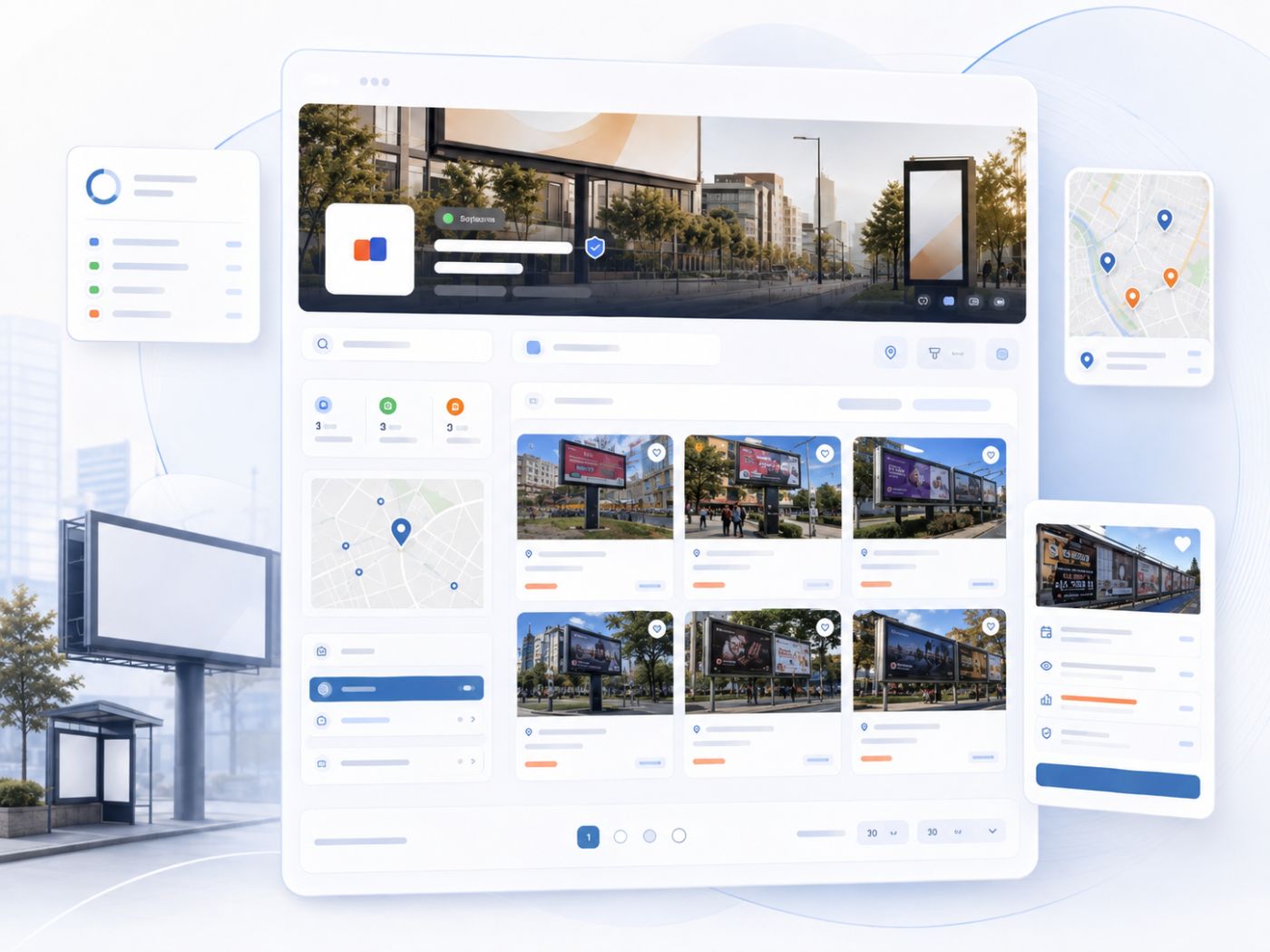
Storefront page with the store logo, cover image and listing cards
Store listings clustered on the map
Corporate identity

Messages show your company, not your personal account

Store membership automatically switches your messaging identity to your company. Advertisers see a corporate profile when they talk to you.

  • Your store name appears in the conversation list and message header.
  • Your store images are used as the profile and cover visuals.
  • A corporate presence builds trust while an offer is on the table.
  • Every listing and group conversation lands in one inbox.
A conversation showing the store name and logo in the messages screen
Listing bundles

Build ready-made advert packages with groups

Bundle the media you sell together in one campaign into a single package. Advertisers move forward with a ready package instead of hunting for listings one by one.

  • Collect several listings into one group and give it its own name and description.
  • Every group is published on its own shareable page and appears in search engines.
  • Add, remove and reorder listings in a group, and keep it unpublished until it is ready.
  • Published groups get their own tab on your storefront.
Advert group management screen with the listings inside a group
Availability and revenue

Per-listing availability calendar, brand and revenue tracking

Manage which dates each medium is booked or free straight from the calendar. Record which brand a booking belongs to and what it is worth on the same screen.

  • A monthly calendar per listing, with booking records you can edit as plans change.
  • Link a booking to a brand and track which brand is using which medium.
  • Record the booking amount and its currency; this stays visible only to you.
  • A public availability tab on the listing page shows open periods automatically.
Monthly availability calendar of a listing with booked and free days
Booking form with brand selection, date range and amount fields
Occupancy panel

Occupancy and revenue across your whole portfolio

See the state of your portfolio without opening listings one by one. Compare which medium is sitting empty and which month performed better on a single screen.

  • Occupancy rate per listing and across the portfolio for the period you choose.
  • A revenue table that spreads booking amounts across months on a per-day basis.
  • Spot open periods early and plan your sales around them.
  • Compare listings against each other and identify your strongest media.
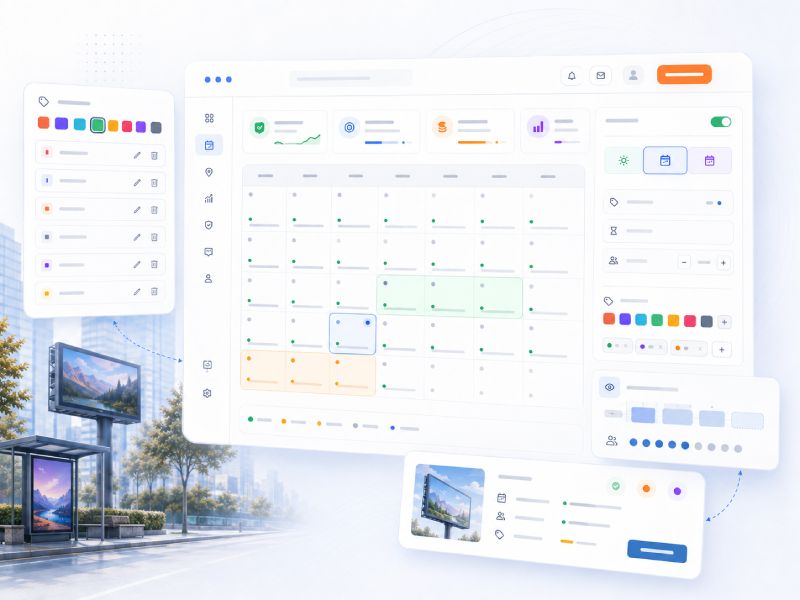
Occupancy and revenue panel with the ratio chart and monthly revenue split
Roadmap

What is next?

We keep building on the store panel. We are working on the topics below; once they ship, everyone with a store membership can start using them right away.

Coming soon

Campaigns, discounts and coupons

You will be able to design public or customer-specific discount and coupon setups from the store panel.

Coming soon

Detailed view and sales statistics

You will follow views, contacts and conversions per listing through period-over-period reports.

Coming soon

AI-assisted location analysis

We will weigh location, traffic and density data together to suggest dynamic pricing for your media.

How it works

Open your store in three steps

We follow the process on your behalf and let you know by email and notification at every stage.

  1. 1

    Fill in the application form

    Enter your company details and upload your tax certificate along with the documents required for your company type. It takes a few minutes.

  2. 2

    Our team reviews your documents

    You can follow the status of your application from the My Store page. We send an email and a notification once a decision is made.

  3. 3

    Your store goes live

    On approval your store address opens, your published listings appear on the storefront and the premium screens are added to your account.

FAQ

Questions you may have

Do I pay anything for a store membership?

Applying and having your application reviewed is free of charge.

How long does a decision take?

When the documents are complete, applications are usually concluded within a few business days. If a document is missing or unreadable, we let you know with the reason.

Which documents should I prepare?

Sole proprietorships need a tax certificate and a signature declaration; limited and joint-stock companies need a tax certificate, a trade registry gazette and a signature circular. Documents are seen only by the review team.

What happens to my current listings?

Nothing changes for them. After approval your published listings also start appearing on your storefront, with no need to republish.

What happens if my application is rejected?

You will see the reasons item by item on the My Store page. Once you have addressed them, you can apply again from the same place.

Start opening your store today

Enter your company details, upload your documents and leave the rest to us.

Apply Now

You need to be signed in to submit an application.